Customer Details Are Everywhere.
Names in spreadsheets. Notes on your phone. Details in someone else’s inbox. Getting the full picture takes more work than it should.
Keep customer information together.

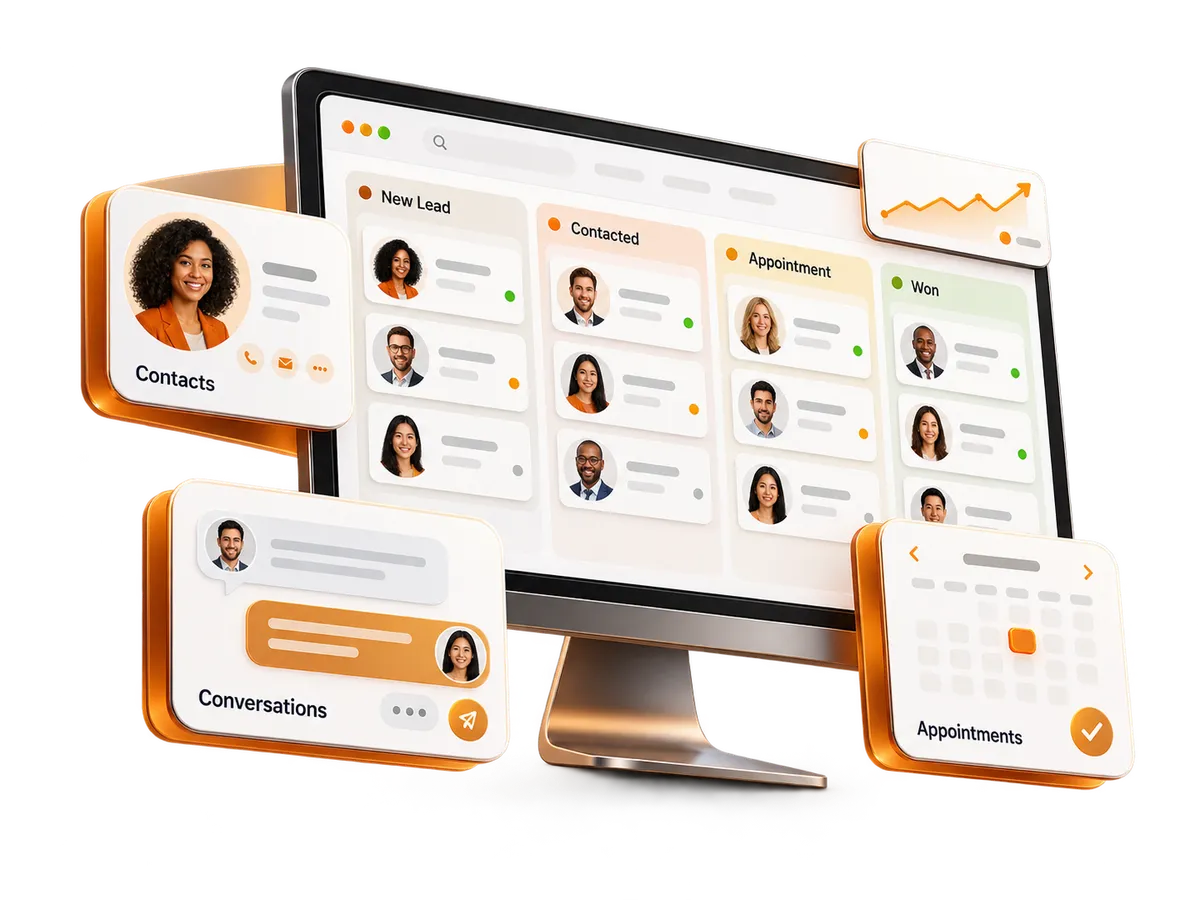
Keep your contacts, conversations, appointments, and sales opportunities in one place. Intel AI Group helps you organize your customer relationships and automate follow-up, so your team knows who to contact and what comes next.
Intel AI Group builds AI Receptionists, Smart Chat Widgets, and Automated Booking Systems that turn missed calls into scheduled appointments — day and night.
Why pay for multiple subscriptions when you can have it all in one platform?
LESS FRICTION. MORE CLARITY.
When customer details live in spreadsheets, messages stay in separate inboxes, and follow-up depends on memory, keeping up gets harder. A connected CRM gives your team a clearer way to manage it all.
Names in spreadsheets. Notes on your phone. Details in someone else’s inbox. Getting the full picture takes more work than it should.
Keep customer information together.
A prospect calls, then sends a message. Without a shared history, your team has to piece together what was said and who should respond.
Give your team a shared conversation history.
Busy days push callbacks and reminders down the list. Interested prospects can go quiet while your team handles everything else.
Use automated follow-up and task reminders.
Without a clear pipeline, it’s hard to know which leads are new, who is ready to book, and which opportunities need another conversation.
See where each opportunity stands.
Bring customer information, conversations, and next steps into one connected workspace.
YOUR DAILY TOOLS, CONNECTED
Give your team a shared place to manage customer information, conversations, appointments, sales activity, payments, and reviews—with tools that help keep the next step moving.
Keep the details that matter in a customer record your team can find and update.
See where each opportunity stands and give your team a clear view of what needs attention.
Keep conversations from your connected channels alongside the customer details behind them.
Make it easier for customers to book and for your team to manage availability.
Keep routine steps moving with workflows built around your customer journey.
Bring new inquiries into your CRM with the information your team needs to respond.
Make responsibilities and next steps easier to track as your team works with customers.
Get a clearer view of the activity and opportunities recorded in your CRM.
Bring payment collection and follow-up into the same workflow you use to manage your customers.
Make review requests part of your customer follow-up and keep your online reputation easier to manage.
HOW IT WORKS TOGETHER
Your CRM does more than store information. With the right workflows in place, it connects each new inquiry to the people, actions, and follow-up that come next.
A prospect submits a connected form or reaches out through a connected communication channel. Their information becomes part of your CRM.
A configured workflow can notify the right person, create a task, and place the opportunity in the appropriate pipeline stage.
Send a relevant response, share a booking link, and use reminders to support the next conversation or appointment.
Keep messages, notes, appointments, and opportunity updates tied to the customer, so your team can pick up with context.
A customer journey in your CRM
Illustrative exampleAlex Johnson
New inquiry · Website form
Inquiry received
Contact details and service interest saved.
Follow-up assigned
A team member is notified and a task is created.
Booking link shared
A follow-up email gives Alex a clear next step.
Appointment booked
Once Alex books, the appointment and reminder workflow stay connected to the contact.
Built around the way your business works. We help configure the stages, notifications, and follow-up steps that fit your customer journey.
BUILD ON YOUR CRM
Your website brings people in. AI can help answer their questions. Your CRM keeps the details and next steps connected. Combine the services that fit the way your customers reach you.
Customer records, conversations, appointments, and follow-up in one connected workspace.
Give visitors a clear way to inquire or book. Connected forms and calendars bring their information into your CRM for the next step.
From website inquiry to organized follow-up.
Help visitors get answers and share their contact details through AI chat, then keep the conversation connected to their customer record.
From a quick question to a contact you can follow up with.
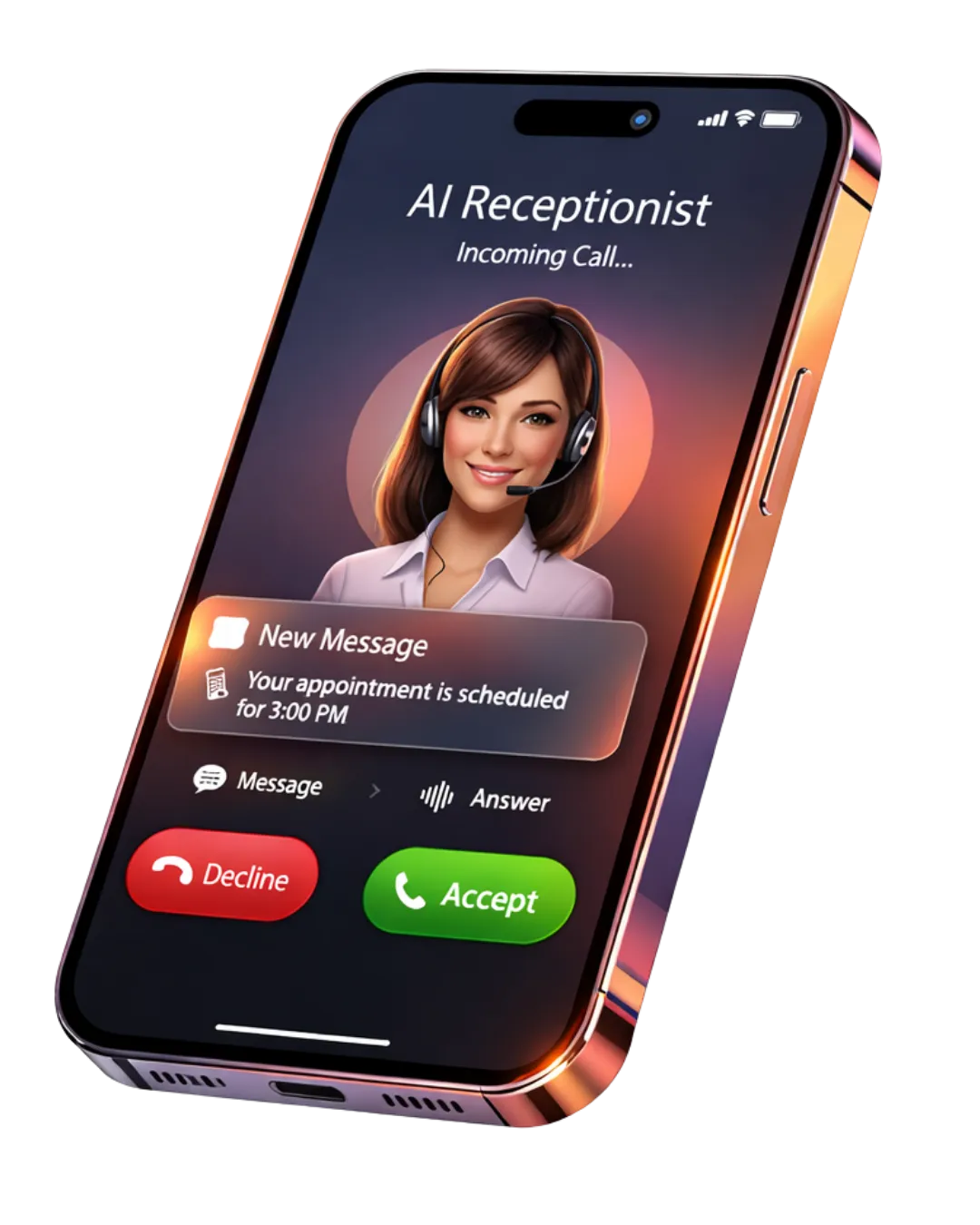
Use an AI receptionist to collect caller information and help with booking. Keep captured details available for your team’s follow-up.
From incoming call to a clear next step.
Build the combination your business needs. Websites, AI Widget, and Voice AI are additional services. We help configure their connection to your CRM based on the services you choose.
SET UP FOR YOUR BUSINESS
The value of a CRM comes from how your team uses it. Intel AI Group helps turn your customer journey into a practical setup—with the information, stages, and follow-up steps your business needs.
You bring the knowledge of your business. We help translate it into an organized workspace and a clearer process for your team.
We review how inquiries arrive, who handles them, and what needs to happen before a prospect becomes a customer.
We help set up the agreed contact fields, pipelines, calendars, and workflows around your process and selected services.
We help your team understand how to find contacts, manage opportunities, and keep the next action visible.
We define the support included in your package and help identify adjustments or additional services as your business needs evolve.
YOUR NEXT STEP
See how a connected CRM can help your team organize contacts, manage opportunities, and keep follow-up moving. Let’s explore a setup that fits your business.
Intel AI Group’s CRM solution brings together contact management, sales pipelines, connected conversations, calendars, workflow automation, forms, tasks, reporting, payments, and review tools. Intel AI Group helps configure these features around your customer journey. Your selected package and agreed scope determine the setup and support included.
CRM automation uses defined triggers to start follow-up actions. For example, a website form submission can create or update a contact, notify a team member, assign a task, and send a response with a booking link. Intel AI Group configures workflows around your process so routine follow-up does not depend entirely on manual reminders.
A CRM sales pipeline shows where each opportunity stands in your sales process. Stages might include new inquiry, consultation scheduled, proposal sent, and customer won. Each opportunity can have an assigned owner, value, and status, helping your team see which prospects need attention and what should happen next.
Yes. Intel AI Group’s CRM supports a shared conversation history for connected channels, including email, SMS, call activity, and website chat. Keeping these interactions alongside customer records helps team members understand previous conversations and coordinate follow-up. Available channels depend on the connections configured for your business.
Yes. The CRM includes booking links, connected calendars, availability management, and appointment workflows. Customers can book through the configured scheduling process, while confirmations and reminders help communicate appointment details. Intel AI Group helps set up calendars and workflows to match your business’s scheduling needs.
Yes. Connected website forms and calendars can bring inquiries and appointments into the CRM. An AI Widget or Voice AI receptionist can also connect captured customer details with your follow-up process. Websites, AI Widget, and Voice AI are additional services, with connections configured according to the services you choose.
Yes. Intel AI Group’s CRM solution supports one-time payment collection and recurring customer subscriptions. Configured workflows can also support follow-up for failed or overdue payments. Connecting payment activity with customer records helps your team keep track of payment-related communication and next steps.
CRM reporting can show sales pipeline activity, open and closed opportunities, appointment activity, and recorded outcomes. Dashboards help your team monitor selected metrics and identify areas that need attention. The usefulness of these reports depends on accurate records, consistent updates, and the tracking configured in your CRM.
Yes. Intel AI Group reviews how your business receives inquiries, manages prospects, and serves customers, then helps configure the agreed fields, pipelines, calendars, and workflows. The setup process also includes guidance on everyday tasks such as finding contacts and managing opportunities. Ongoing support is defined in your package.
Intel AI Group combines Voice AI, smart website chat, and automated booking into one revenue automationayer that never sleeps.
Answers every call instantly
Responds to website chat in seconds
Qualifies leads automatically
Books appointments directly into your calendar
Follows up automatically via SMS & email
Purpose-built for service businesses: law firms, med spas, dental offices, contractors, and financial firms that rely on high-intent calls and inbound leads.
Prospect calls your office or lands on your website.
AI receptionist greets, listens, and follows your scripted logic.
Captures details, screens for fit, and tags the lead automatically.
Offers times in your calendar, books, and confirms via SMS/email.


© Copyright 2026. Intel AI Group.
All Rights Reserved.